
The Studio overlay
Build and export styled thumbnail cards without leaving YouTube.
The Studio is a full-page overlay that turns any thumbnail on the current page into a styled, downloadable card.
Opening the Studio
Either:
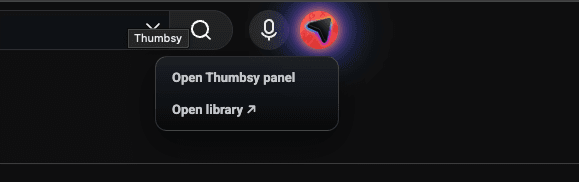
- Click the Thumbsy icon in YouTube's top bar (next to voice search), or
- Press Alt+S (⌘+Option+S on Mac) from anywhere on YouTube
The overlay darkens the page and shows every thumbnail currently on screen as a grid of cards, each with its title, channel, view count, posted date, and duration.
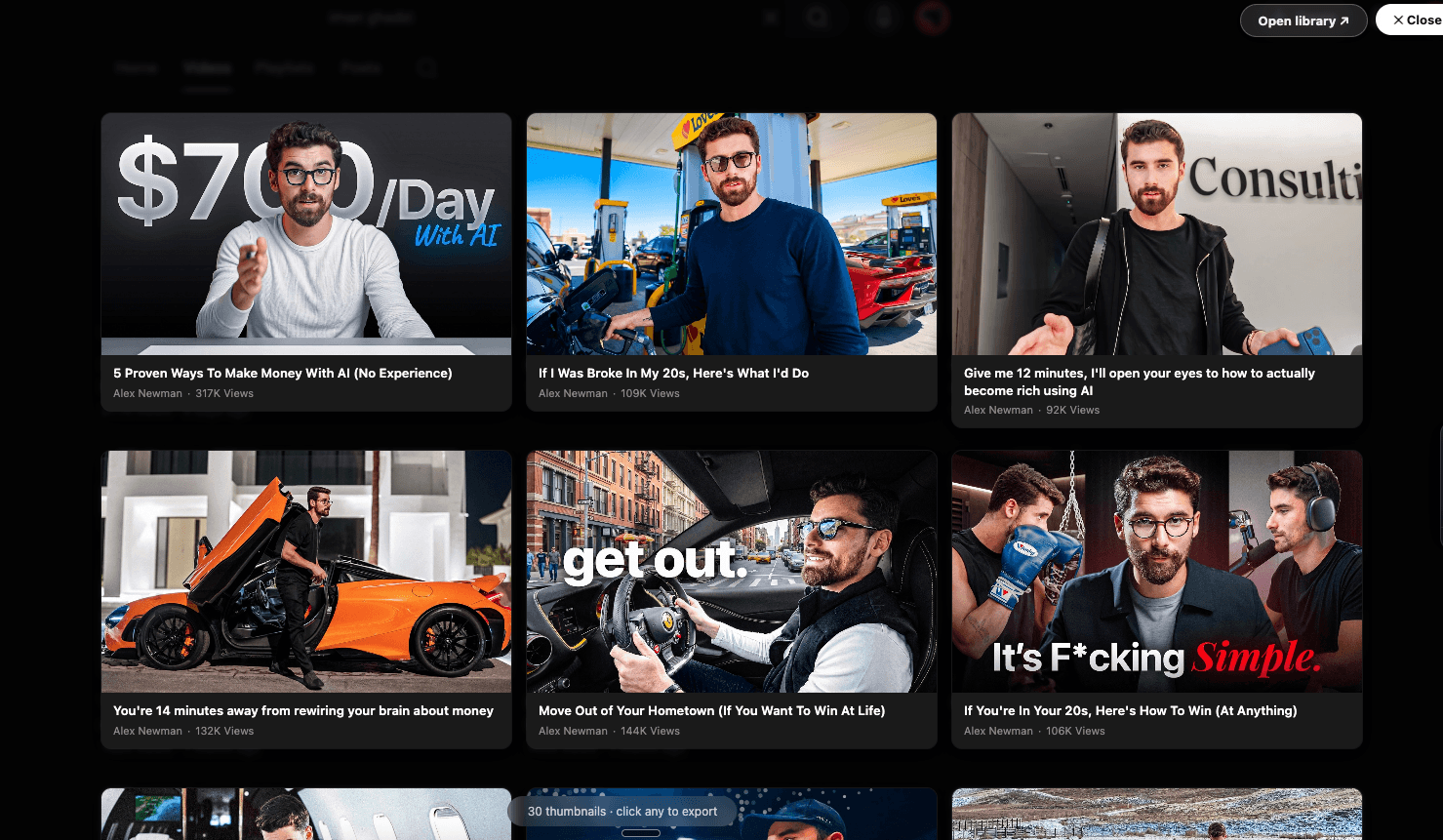
Styling a card
Select a thumbnail to open its configuration panel:
- Background style — Plain, Blurred, Liquid Glass, Gradient, or Neon
- Background color — a palette of preset dark swatches, when using Plain
- Duration badge — show or hide
- Meta line — cycle between view count, posted date, or off
- Layout — Card (vertical) or Tile (compact, horizontal)
The preview updates live as you change settings.
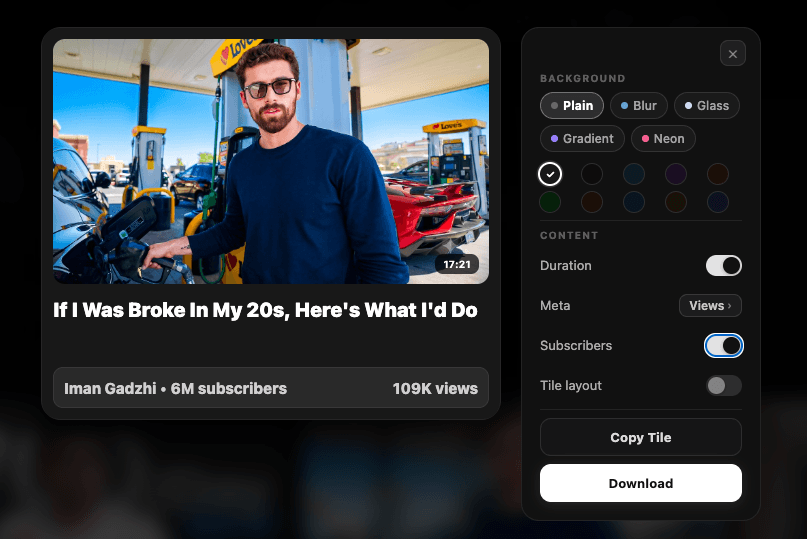
Click Export Showcase (or press Ctrl+S / ⌘+S) to render and download the card as a PNG. Your style choices are remembered for next time — see Popup & export settings to set them as defaults ahead of time.
Exporting a grid
Select multiple thumbnails (up to 9) and click Export Grid instead. This opens a separate editor where you can toggle the title and view-count overlays before rendering one combined image. On channel pages, the grid also includes a header with the channel's avatar, name, and subscriber count.
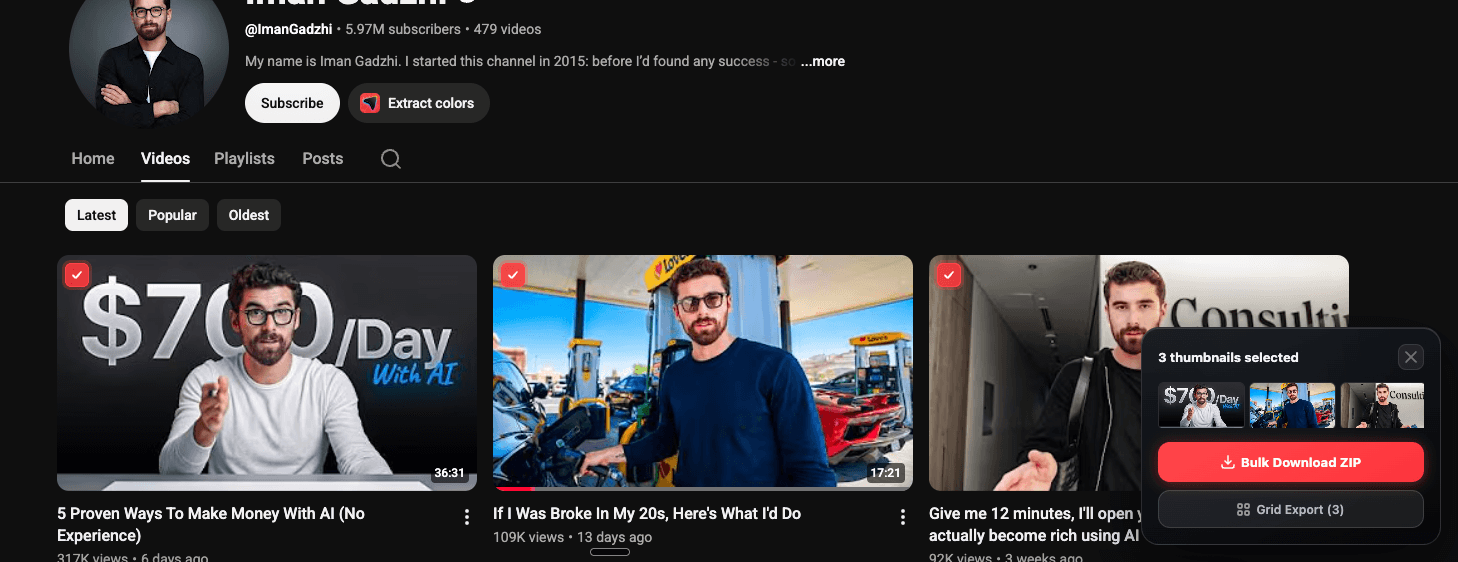
The exported file is named [channel-name]-grid.png.
Selecting more than 9 thumbnails?
Use bulk select instead — grid export is capped at 9 images, but bulk ZIP export has no limit.