
Similar Thumbnails
Find thumbnails that visually resemble a reference image.
Pro feature
Similar Thumbnails is available to Pro accounts. Free accounts land on this page and see an upgrade prompt instead of results.
Similar Thumbnails searches a large index of YouTube thumbnails for ones that visually resemble a reference image — useful for seeing how a style or composition tends to perform, or for checking how saturated a particular look already is.
You can reach it from:
- A thumbnail's context menu on YouTube → Find similar thumbnails (see Context menu actions)
- A Vault item's Find Similar button
- Directly, from the webapp
Searching
There are two ways to search:
Paste a YouTube video URL. Thumbsy uses that video's thumbnail as the search reference.
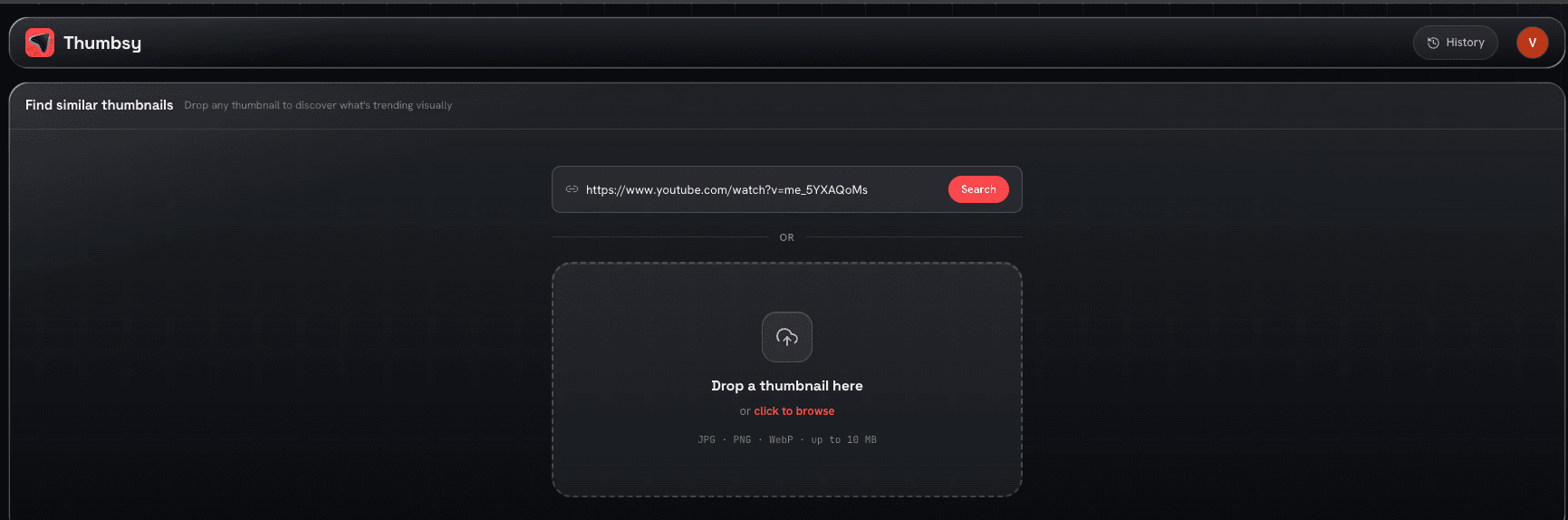
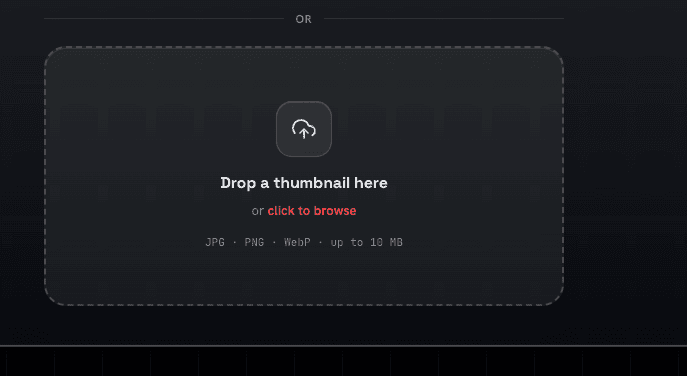
Drag and drop (or click to select) any image file to search with it directly — useful for searching with a draft thumbnail you haven't published yet.
Results
Each result shows a similarity score, the thumbnail, title, channel name, subscriber count, view count, and upload date, with two actions:
- Add to Library — saves it to your own library
- Open on YouTube — opens the original video

Search history
Pro accounts also get a dropdown of their last 8 searches, with thumbnail previews, for quickly re-running a recent search.